Q789 Withdraw Pending – Fix Delayed & Failed Payments
Q789 Withdraw Pending can be stressful when a withdrawal request does not move to completed status as expected. A delay may come from payment processing, incorrect wallet information, account verification, or a temporary service interruption. Instead of immediately sending another request, it is better to check the existing transaction first and understand what its current status means.
This guide focuses on practical solutions rather than repeating general deposit or login instructions. It explains how to check a delayed request, what customer care may need, which mistakes can cause problems, and what to do when the balance changes but payment has not reached your wallet.
What Does Q789 Withdraw Pending Mean?
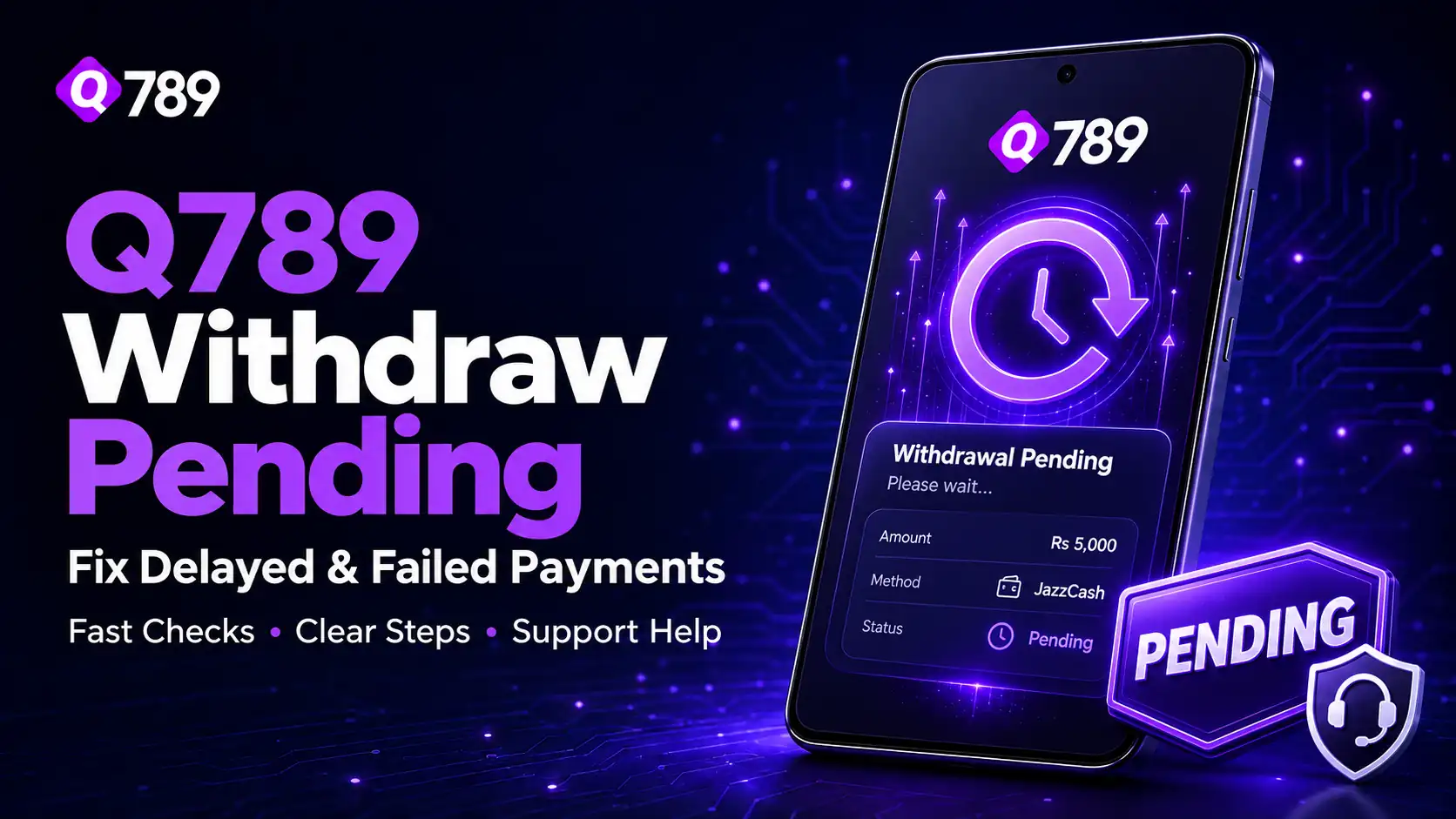
Q789 Withdraw Pending normally means your withdrawal request has been submitted but has not reached a final result yet. It may still be waiting for review, moving through the payment channel, or requiring another account check.
Pending is different from failed or rejected. Open your withdrawal history and check the latest status before taking another action.
First Checks to Make Before Contacting Q789 APK Support
Confirm the withdrawal amount, receiving mobile number or account details, request time, and selected payment method.
Keep the transaction reference or screenshot. This information can help if you later need customer care assistance. Avoid changing unrelated account details while the request is still open.
Common Reasons for a Delayed Withdrawal
Incorrect Wallet Information
A small typing mistake in a JazzCash, Easypaisa, or bank account detail can interrupt payment processing. Review the number carefully and compare it with the information saved in your account.
Account Verification Is Incomplete
Some requests may need additional account checks before approval. If the system asks for verification, follow only the instructions shown through the official account area or support section.
Payment Channel Is Temporarily Busy
Sometimes the gaming account may process a request while the receiving payment service takes longer to update. This can make Q789 Withdraw Pending remain visible even though the transaction is still moving normally.
Withdrawal Rules Were Not Met
The account may have current withdrawal limits, payment-method requirements, or other conditions. Read the latest rules displayed before creating another request.
Do Not Submit the Same Withdrawal Repeatedly
Submitting another request immediately can make the situation harder to track and create several open transactions.
If Q789 Withdraw Pending is already active, keep the original details and allow that request to reach a clear status. If the waiting period shown in your account has passed, contact customer care rather than creating duplicates.
When Should You Contact Q789 App Customer Care?
Customer care becomes useful when the status does not change after the expected processing period, your balance has been deducted without receiving payment, or the system shows an error you cannot resolve.
For a Q789 Withdraw Pending issue, prepare the transaction ID, amount, request time, registered number, payment method, and a screenshot. Clear information can help support identify the correct transaction faster.
Never share your password or OTP with anyone who claims they need it to release a Q789 Withdraw Pending.
Personal Experience with Q789.com
For a personal-experience section on your site, keep it based on what actually happened to you. You can explain that repeatedly refreshing the wallet did not solve the delay, while saving the transaction reference and contacting support with the correct details made the issue easier to follow.
The useful lesson is that organised information matters. A screenshot, accurate payment details, and one clear support request are more useful than several repeated messages.
Q789 App Pending, Failed, Rejected, and Completed
These statuses describe different situations:
- Pending: the withdrawal is still being processed.
- Failed: the transaction did not complete.
- Rejected: the request was not approved.
- Completed: Q789 Game shows the withdrawal as processed.
If Q789 Withdraw Pending later changes to failed or rejected, check the reason shown before attempting another withdrawal.
Balance Deducted but Payment Not Received
If your balance decreases but money has not reached the receiving wallet, check the transaction history first.
If the account shows completed but payment is still missing, save the transaction reference and contact support. The reference number can help customer care trace the request.
How to Reduce Future Withdrawal Problems
Before your next request, check the receiving number, current withdrawal rules, and payment method carefully. Use an account or wallet you can access yourself and keep your registered mobile number active.
Also save transaction references until payment arrives. These habits cannot prevent every delay, but they can reduce avoidable mistakes.
FAQs
How long can Q789 Withdraw Pending remain under review?
Processing time can vary depending on account checks and the selected payment method. Follow the latest timing shown inside your account and contact support if the request remains unchanged beyond it.
Should I make another withdrawal while one is pending?
It is better to avoid duplicate requests. Wait for the first transaction to reach a final status or ask customer care what action is required.
Why can a withdrawal be rejected?
Incorrect payment information, verification requirements, account limits, or other current withdrawal conditions may lead to rejection. Read the reason displayed before trying again.
Can JazzCash or Easypaisa withdrawals be delayed?
Any payment channel can experience processing delays. Check both your gaming transaction history and the receiving wallet before reporting the issue.
Final Words
Q789 Withdraw Pending is easier to manage when you check the transaction carefully and avoid creating duplicate requests. Save the payment reference, review your receiving details, and give the existing request time to move through its normal processing stage.
If the status remains unchanged or the balance is deducted without payment arriving, use the official customer care option and provide clear transaction information. That can help identify whether the delay comes from account details, verification, the payment service, or the withdrawal request itself.